

Simple email automation
for B2B SaaS.

Letter sends emails to your SaaS users. Trigger drip campaigns from what they do in your app, or send broadcasts when you have news.

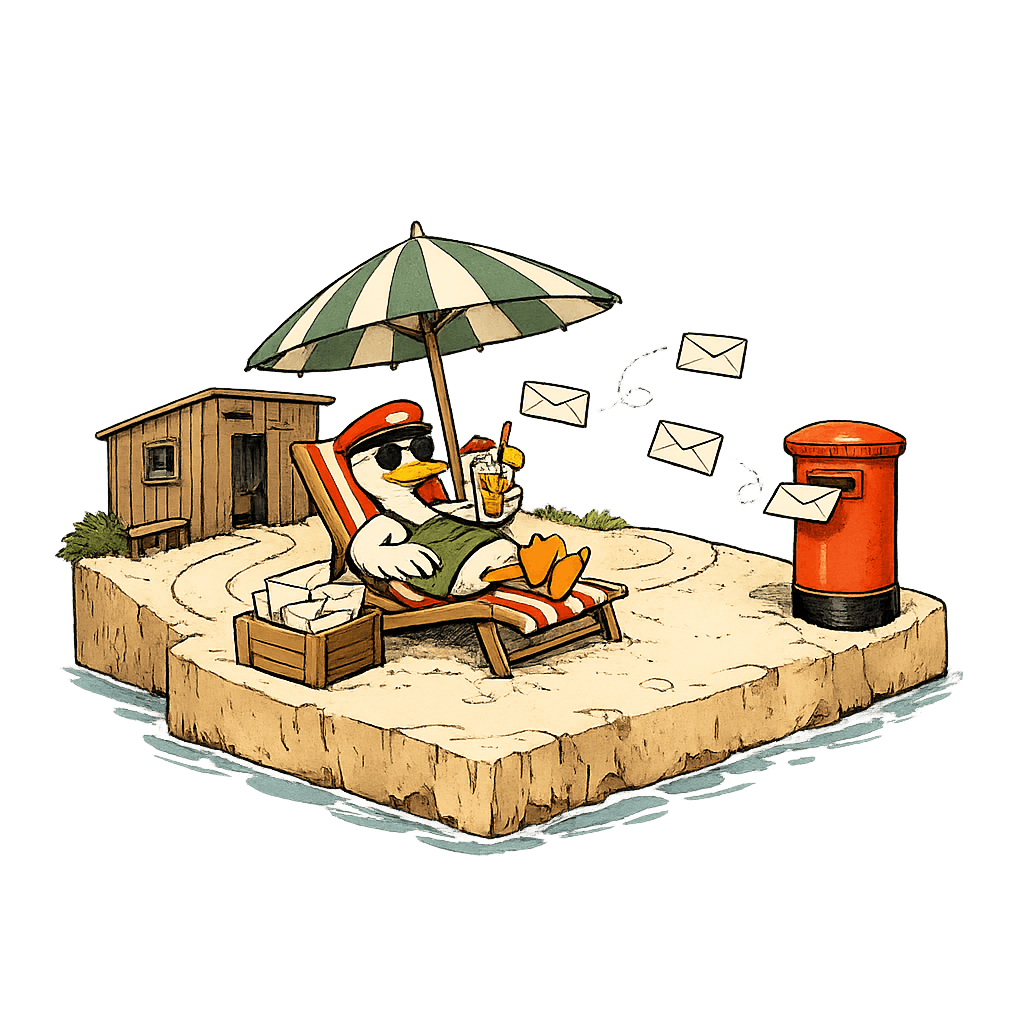
A duck postmaster lounging on a deck chair on a small beach island, sipping a tropical drink, while envelopes deliver themselves into the postbox
How it works

From your app to their inbox.

From signup to first email in the time it takes to brew a coffee.

A butterfly net catching product events on the fly
Step 01

Track

Drop the SDK in your backend. Identify your users and track product events with a couple of function calls. We figure out the rest.

A cream envelope tied with red string, the sequence emails
Step 02

Build

Design email flows on a visual canvas. Trigger on events. Branch on properties. Wait, retry, skip. No spreadsheets.

A red postal bicycle with a letter satchel for delivery
Step 03

Send

Letter handles SPF, DKIM, throttling, suppression, bounces, opens. Your emails arrive in the inbox. Quietly.

The visual editor

A drag-and-drop visual sequence editor.

Drag and drop triggers, waits, conditions, and emails. Branch on real product events, not vague “user attributes” pulled from a CRM.

  • Trigger on any event your product fires
  • Branch on event properties or user state
  • Wait minutes, hours, days, or until a condition is met
  • Per-contact timeline shows exactly what was sent
  • Test sends with one click before going live
Use cases

Every email your SaaS needs to send.

Lifecycle drips when your users do something. Broadcasts when you have something to say.

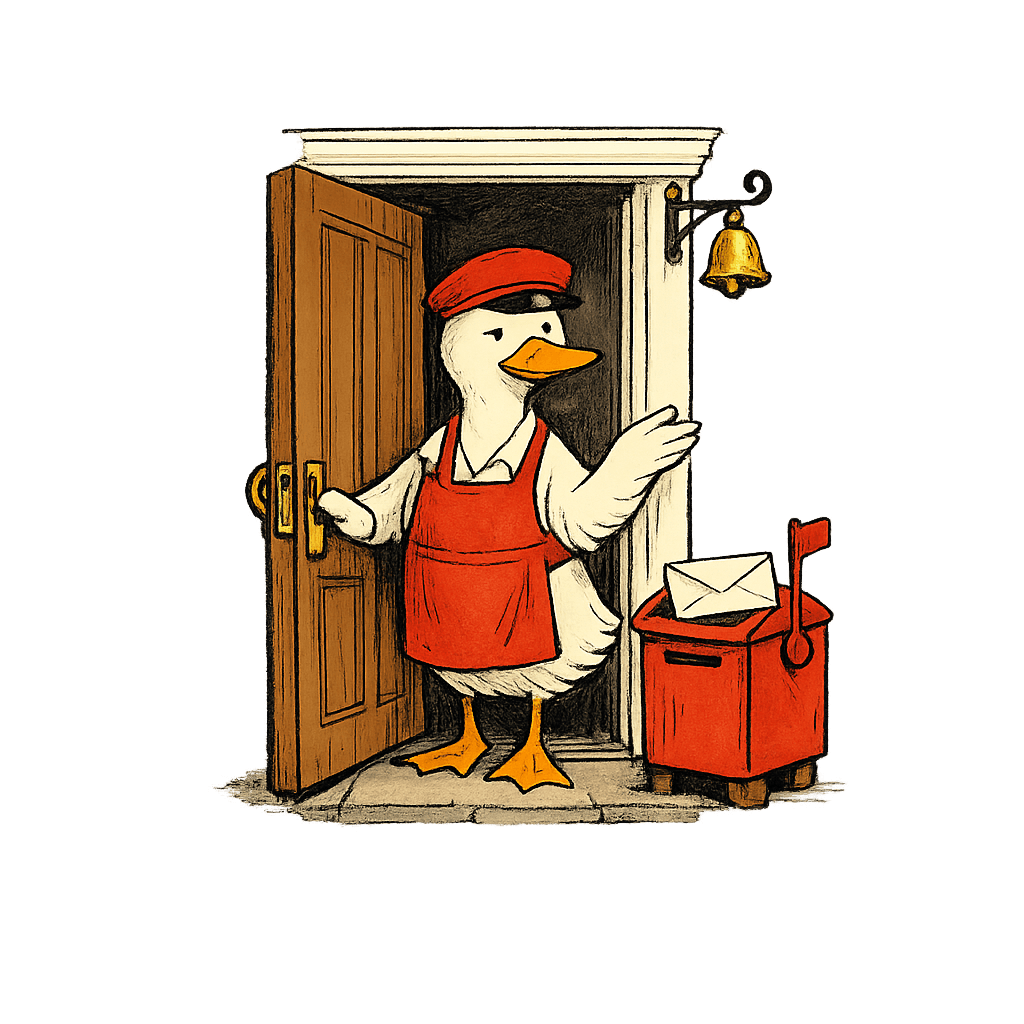
A duck postmaster opening the post-office door, with the postbox flag raised for the day's first arrival
01

Onboarding

Get new users to their first "aha".

  • Welcome emails for new signups
  • Multi-step onboarding sequences
  • Feature tutorials triggered by events
  • Nudges when users stall mid-setup
  • First-week activation drips
  • "Aha-moment" reminders
A duck postmaster pressing a brass wax seal onto a cream envelope to make it official
02

Conversion

Turn trials into paid, paid into upgrades.

  • Trial-end reminders with usage stats
  • Upgrade nudges when users hit plan limits
  • Annual-billing offers
  • Free-to-paid drip campaigns
  • Win-back for expired trials
  • Team-expansion prompts
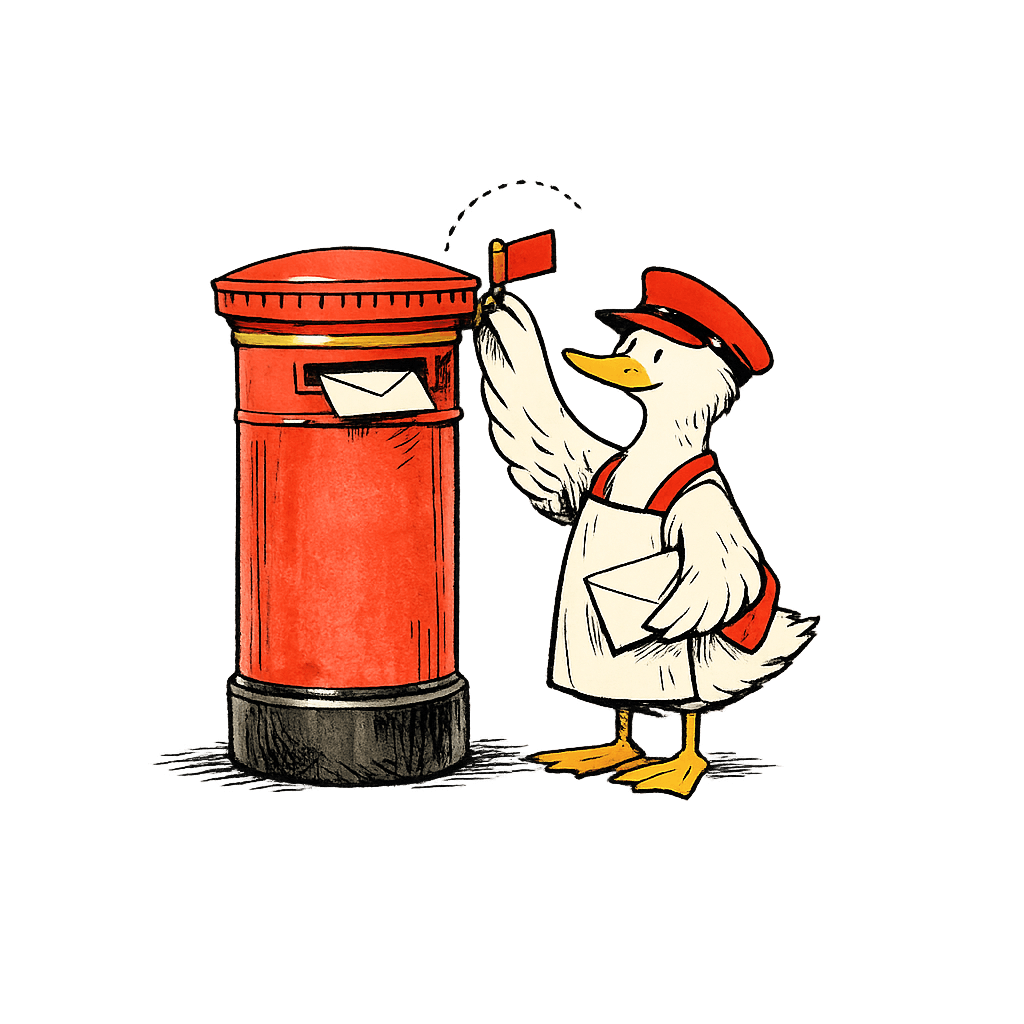
A duck postmaster raising the small red flag on the side of a terracotta pillar-box postbox
03

Retention

Keep users active. Catch the ones drifting away.

  • Wake dormant users back up
  • Celebrate milestones and anniversaries
  • Announce features to relevant users
  • Recover from failed payments
  • Early churn-risk signals
  • NPS surveys at the right moment
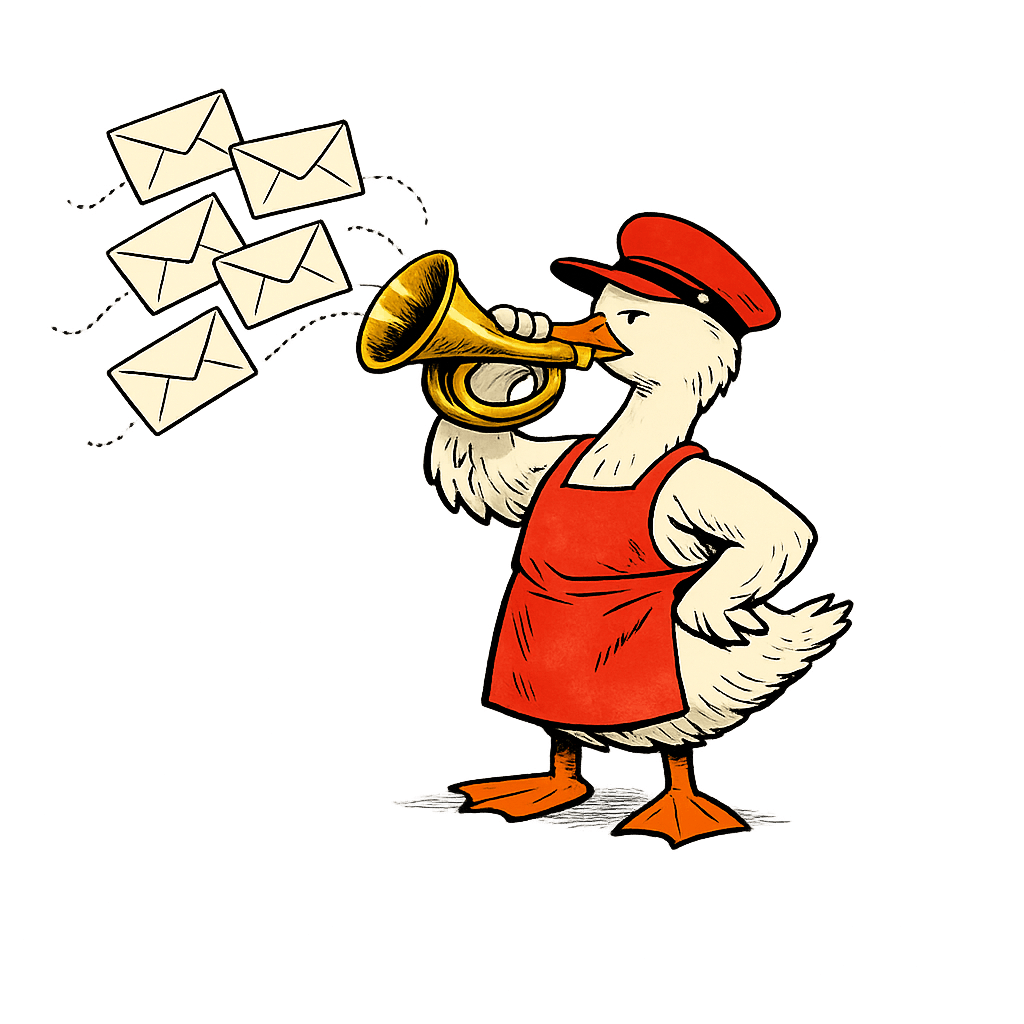
A duck postmaster holding a brass postal horn, with cream envelopes fanning out of the horn's bell
04

Broadcasts

Reach everyone at once, or just the segment that matters.

  • Product update announcements
  • New feature launches
  • Webinar and event invites
  • Monthly newsletters to a segment
  • Maintenance and incident notices
  • Pricing and plan-change updates
Pricing

Pay for what you send.

Free up to 1,000 contacts. Drag the slider to see what scale costs. No hidden seat fees, no event quotas.

How many contacts do you have? Drag to estimate
100 1M+
1,000 Contacts
$0/mo Free forever · no card required
Free

Everything you need to start. No card required.

Get started, free forever
  • Up to 5,000 emails sent/month
  • All features included
  • Unlimited events tracked
  • Includes a small "Powered by Letter" badge

Need more than 500k contacts or custom routing? Talk to us →

FAQ

Questions, answered.

Do I need my own email provider?

No. Letter handles delivery end-to-end: SMTP, deliverability, suppression, the lot. Connect a domain, we verify SPF/DKIM, and mail flies. If you'd rather bring your own SES or Postmark, you can.

How does Letter compare to Loops, Customer.io, or Intercom?

Loops and Customer.io are closer cousins, both lifecycle-focused. Letter is more opinionated and smaller in surface area. We don't do support chat (that's Intercom), and we don't sell ourselves as a CDP. We deliver lifecycle email well, and that's the whole job.

What counts as a “contact”?

Any unique person you've identified with Letter: typically a signed-up user, but could be a lead, a waitlist signup, anyone. We don't charge per event, only per contact in your database.

Will Letter feel like a marketing tool?

No. The composer ships MJML, not drag-and-drop blocks. The dashboard shows engineers what shipped to whom, not pretty conversion funnels you'd never look at twice. Letter is built for the people writing the emails, not the people pitching them.

Can I migrate from another tool?

Yes. Import contacts from CSV or directly via API. We can run alongside your existing tool during migration so nothing drops. We've written guides for the common ones.

Install in seconds

Let your agent wire it up.
You're sending.

Hand the one-liner to your coding agent, or drop the SDK in yourself. Identify users, track events: sequences fire automatically. No webhooks to configure, no schemas to define.

Set up with AI
npx @letterapp/cli

One command wires Letter into your app. It opens your browser to confirm, provisions your key, and installs the SDK. Your key is never pasted into chat.

or wire it up yourself
// npm i @letterapp/node
import { Letter } from "@letterapp/node";
 
const letter = new Letter({
apiKey: process.env.LETTER_API_KEY!,
});
 
letter.identify({ userId: user.id, email: user.email });
letter.track({ userId: user.id, event: "signed_up" });
Ready when you are

Send your first email
in ten minutes.

Free up to 1,000 contacts. No credit card. Drop the SDK in, fire your first event, watch it arrive.